

Why a Professional Email Signature Matters for Freelancers
A small detail at the bottom of your email can make your communication clearer, more consistent, and easier for potential clients to remember.
When you're freelancing, every client interaction contributes to the impression you make, including the way you end an email.
I've been paying more attention to how I present myself online, from my website and portfolio to the emails I send. One simple improvement was creating a professional email signature. It doesn't replace good work or clear communication, but it gives clients a convenient way to see who I am and where to find my work.
What is a professional email signature?
An email signature is the short block of information that appears at the end of an email. Instead of ending with only your name, it can include your professional role, portfolio link, contact details, and relevant social profiles.
For freelancers, it's a useful place to connect your everyday client communication with your professional identity.
Why it matters when you freelance
Builds a polished impression
A clean signature shows that you've thought about how you communicate professionally.
Reinforces your personal brand
Using a consistent name, role, colors, and links helps your emails feel connected to your portfolio.
Makes your work easy to find
Clients can reach your website, portfolio, or professional profile without asking for another link.
Keeps contact details handy
A concise signature helps people find the right way to contact you when they need to follow up.
Of course, a signature alone won't win a project. Your experience, communication, and quality of work matter much more. Think of it as a finishing touch that supports the rest of your professional presence.
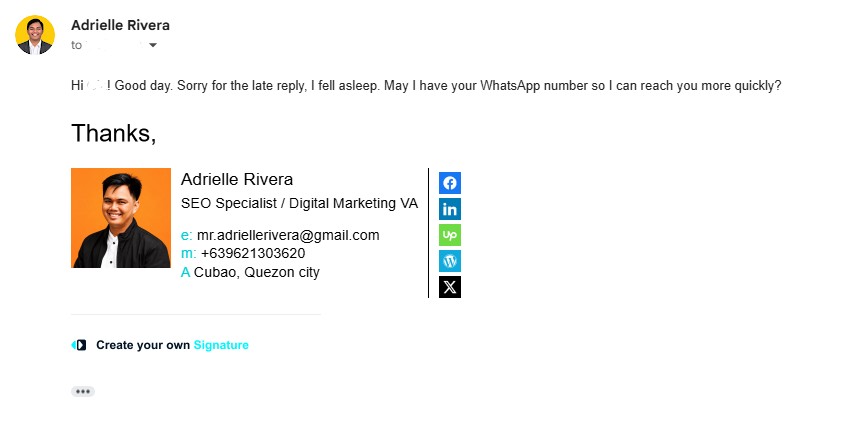
My before-and-after email signature
Here's a look at how I updated the way my email appears. The goal wasn't to add as much information as possible. I wanted it to be easier to read, more recognizable, and more useful for someone receiving my message.
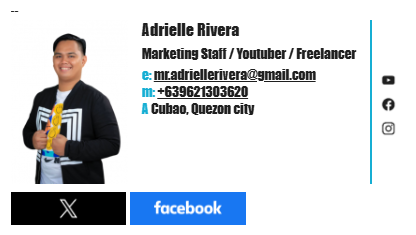

What I learned: A signature works best when it's simple. Too many links, large images, or decorative elements can distract from the actual message.
How I created mine using MySignature
I used MySignature to build my email signature and also use its browser extension as part of my workflow. I liked having a dedicated tool to organize the design and contact details rather than formatting everything manually each time.
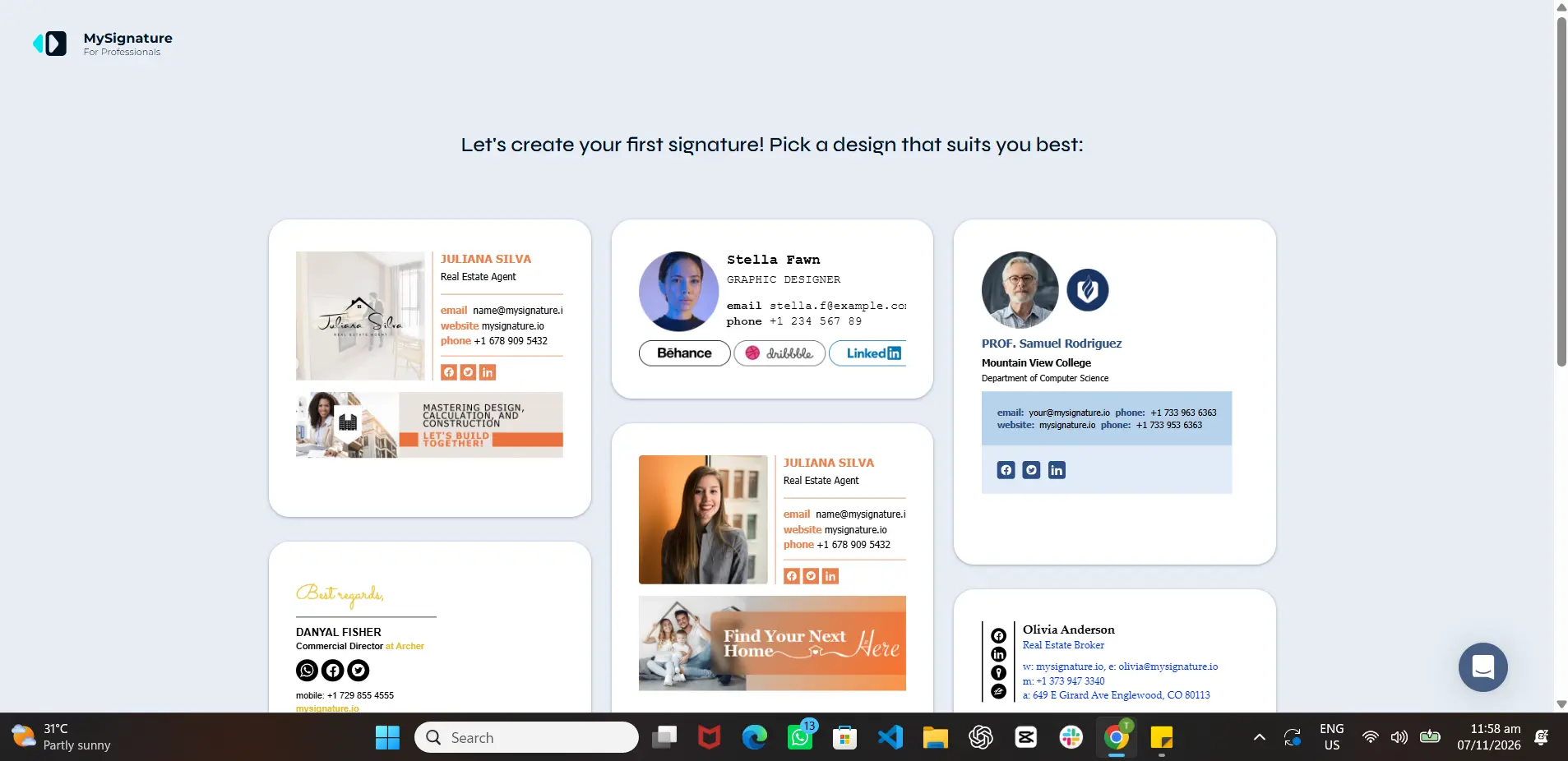
- Choose a simple layout that's easy to scan.
- Add your name, current professional role, and relevant contact details.
- Link to your website or portfolio, plus one or two useful professional profiles.
- Keep your fonts, colors, and imagery consistent with your branding.
- Send a test email to yourself and check how it looks on desktop and mobile.
MySignature is one option, not a requirement. You can also create a simple text-based signature directly in your email settings.
A sample email signature you can adapt
I also put together a sample optimized email signature so other freelancers can use it as a starting point. Replace the example details with your own information and keep only the links that matter for your work.
Copy this simple signature template
If the copy button is unavailable in your WordPress setup, simply select and copy the sample text above. For styled signatures with icons or images, use your email provider's signature editor or a signature tool.
What to include and what to avoid
Keep these essentials
- Your name and a clear, accurate role or specialty.
- A link to your portfolio or professional website.
- A professional contact method.
- One or two relevant profiles, if they help clients learn more about your work.
Avoid these common mistakes
- Adding too many icons, banners, or social links.
- Using images so large that the signature overwhelms the message.
- Sharing private information you don't want publicly forwarded.
- Forgetting to test the signature in mobile email apps or dark mode.
Final thoughts
Improving my email signature was a small part of building a more consistent online presence as a freelancer. It reminded me that personal branding isn't only about a logo or a website. It's also about the everyday details people encounter when they work with you.
You don't need an elaborate design to get started. A clear name, a relevant role, and an easy way to find your work can already make your email signature more useful.

Adrielle Rivera is a digital marketing professional with 3 years of experience in SEO, community management, content creation, and podcast support. He specializes in helping businesses build their online visibility through thoughtful content, authentic community engagement, and practical SEO strategies. With a background in Behavioral Science, Adrielle brings a people-focused approach to digital marketing, combining an understanding of people with data-driven SEO and web development practices. He continues to expand his expertise to help businesses strengthen their online presence and reach the right audience.